Last Lap
The last check before you walk out the door.
Free to start. No sign-up required.
What it is
Last Lap is for the most ordinary open loop there is: leaving the house. Keys, wallet, badge, did I lock the door, do I have my gym stuff today.
Reminders and alarms fire at a time. This problem lives in a transition, and the things it needs change by day of week. So Last Lap is day-aware, it lives on the Lock Screen as much as in the app, and every decision in it is judged against one question: does this shorten or calm the last five minutes before the door?
What it looks like
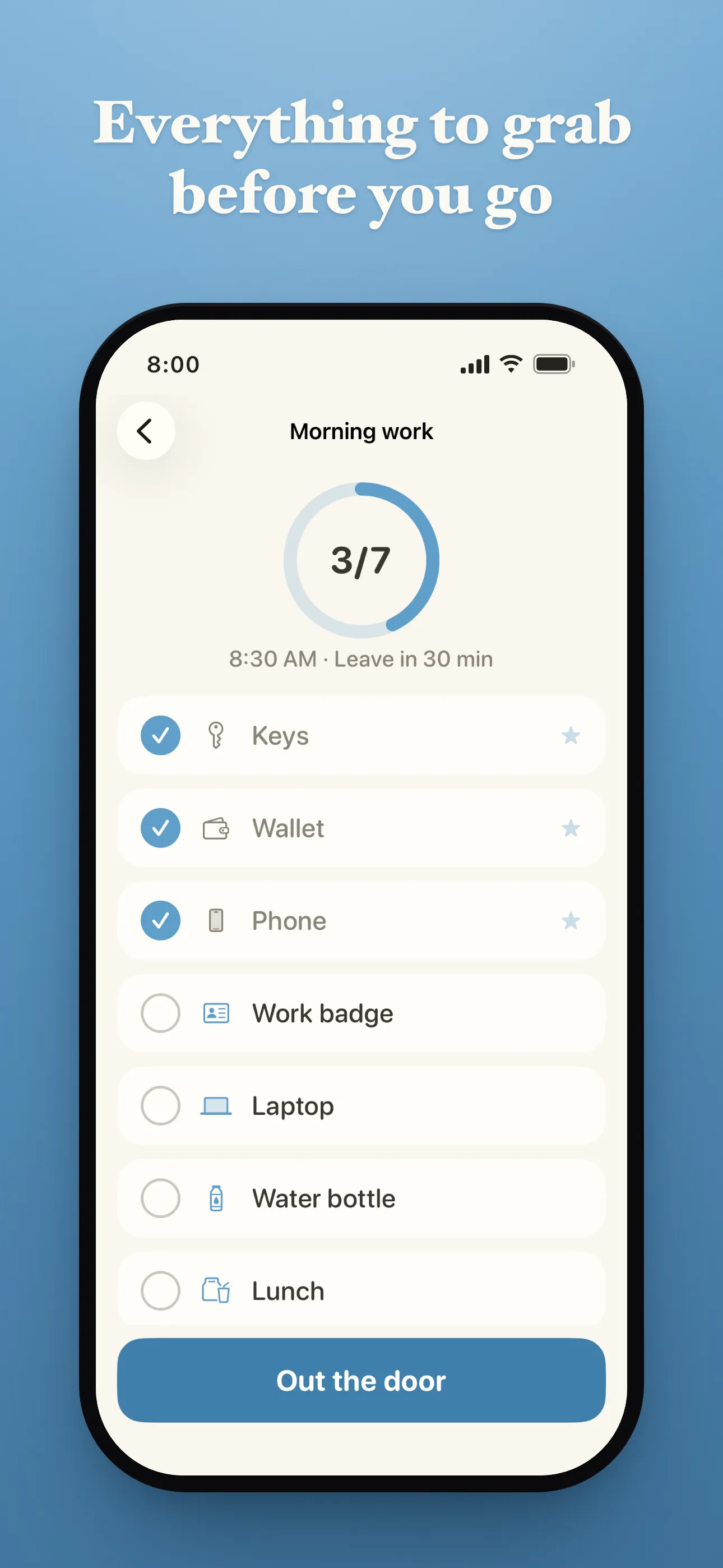
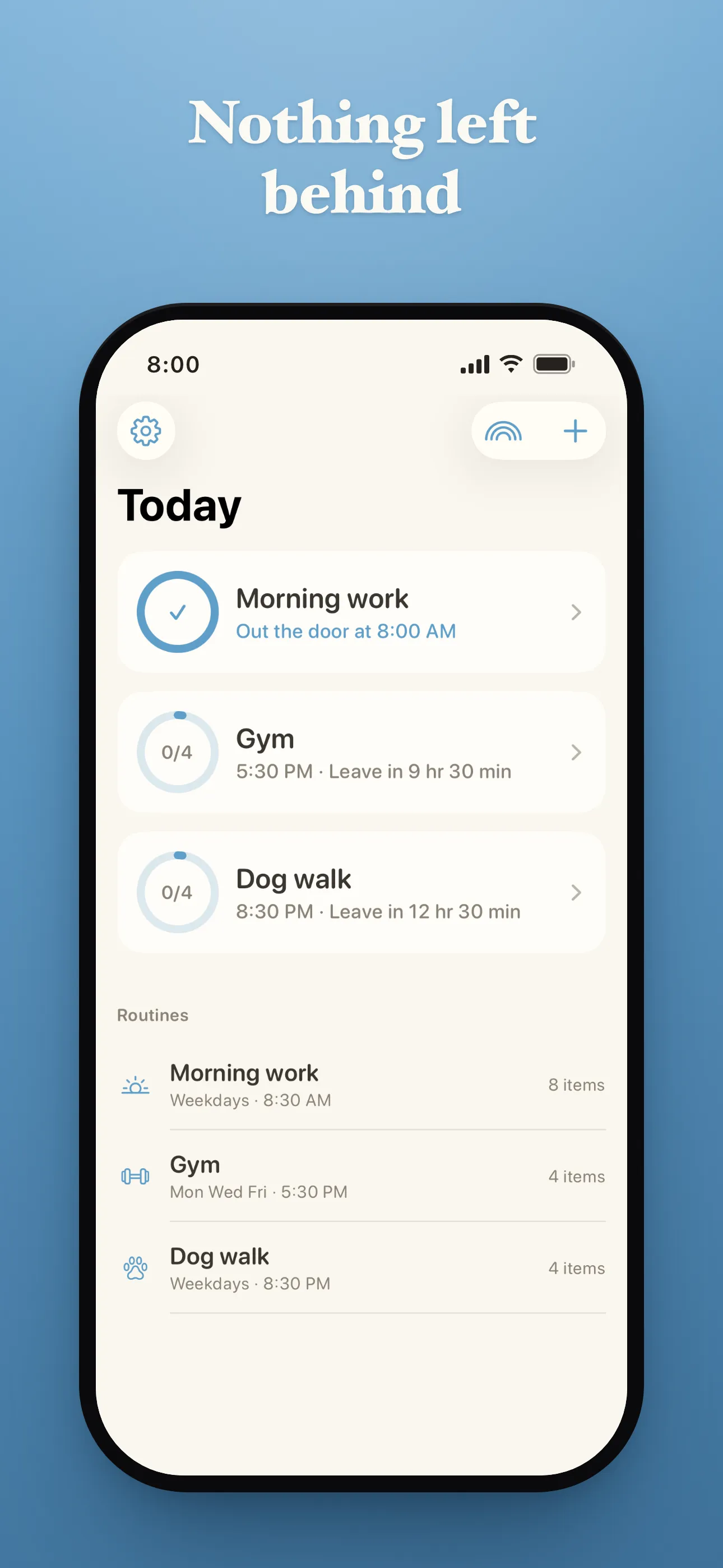
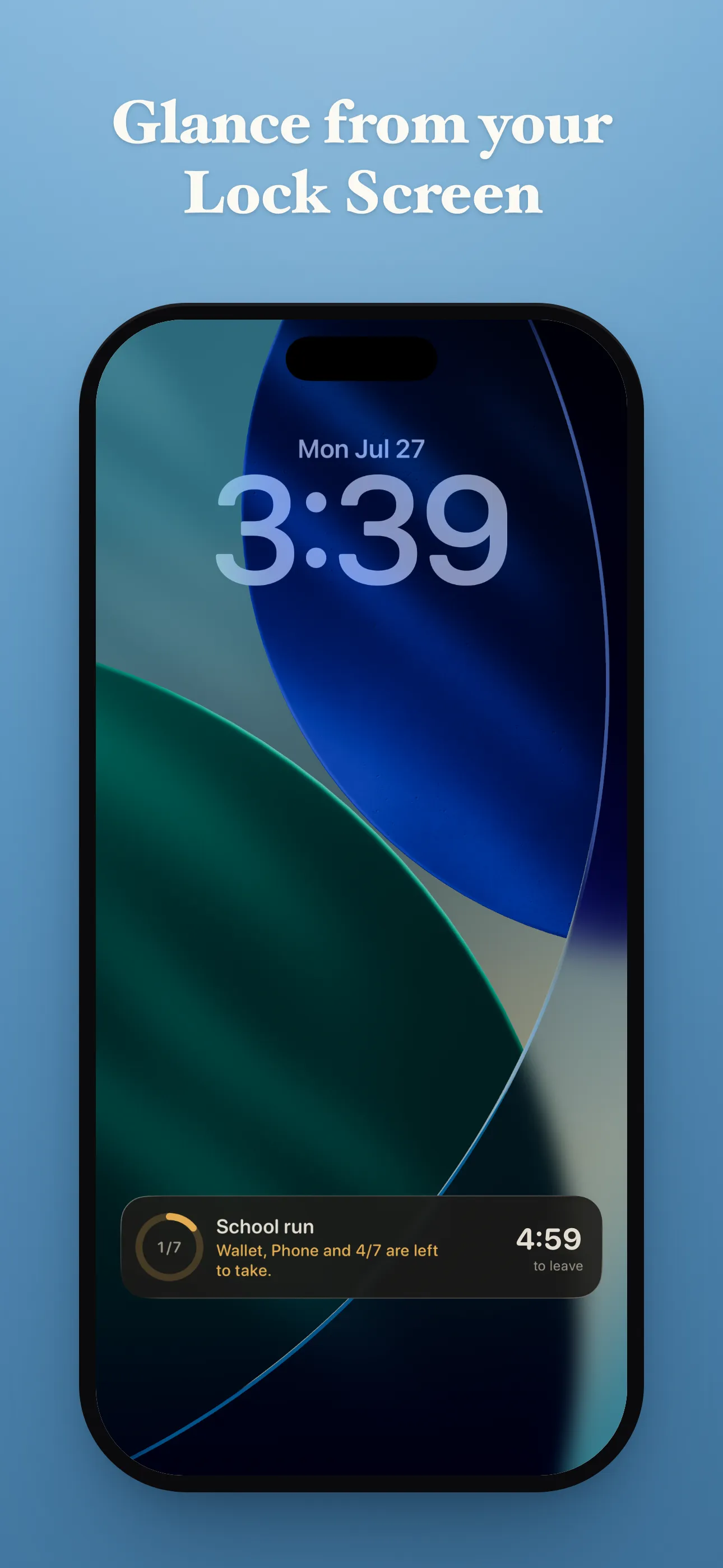
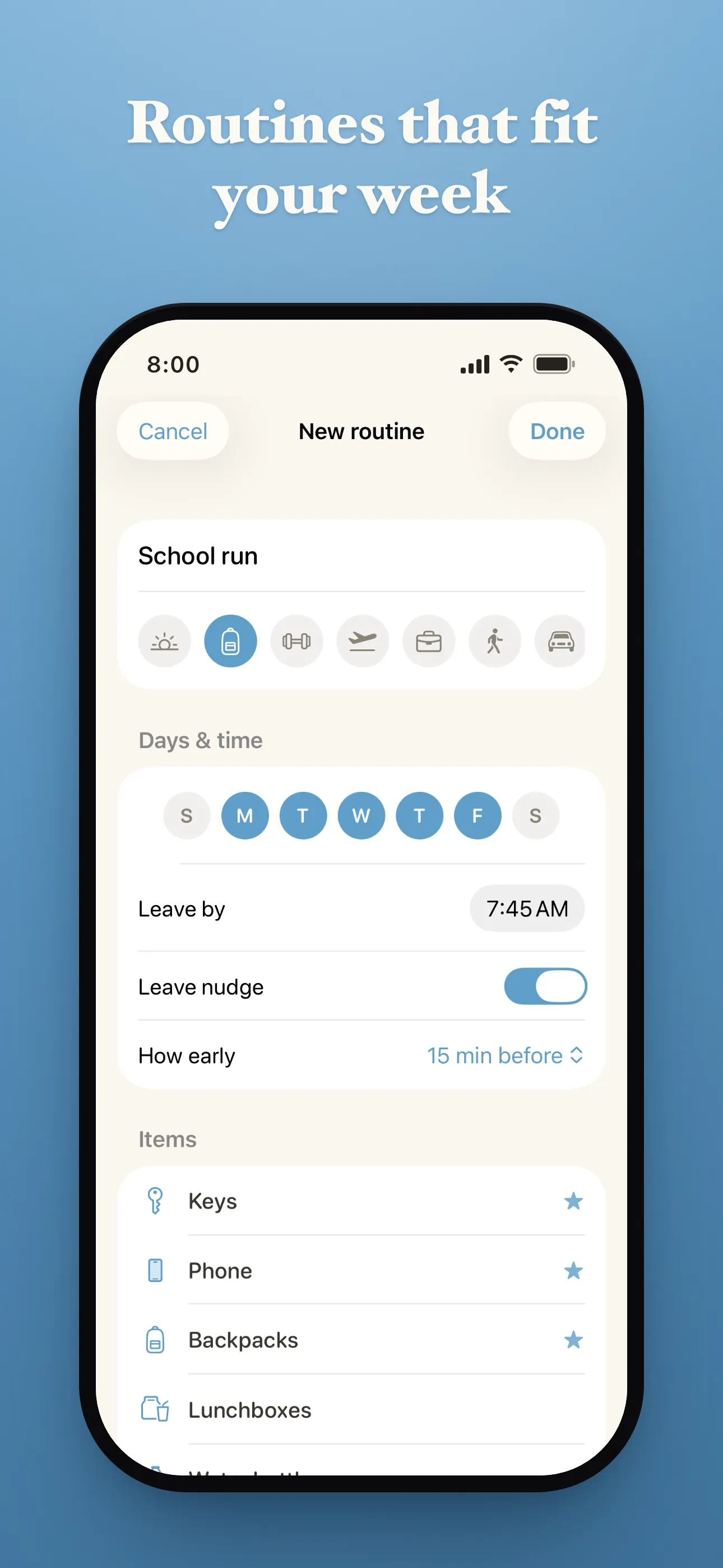
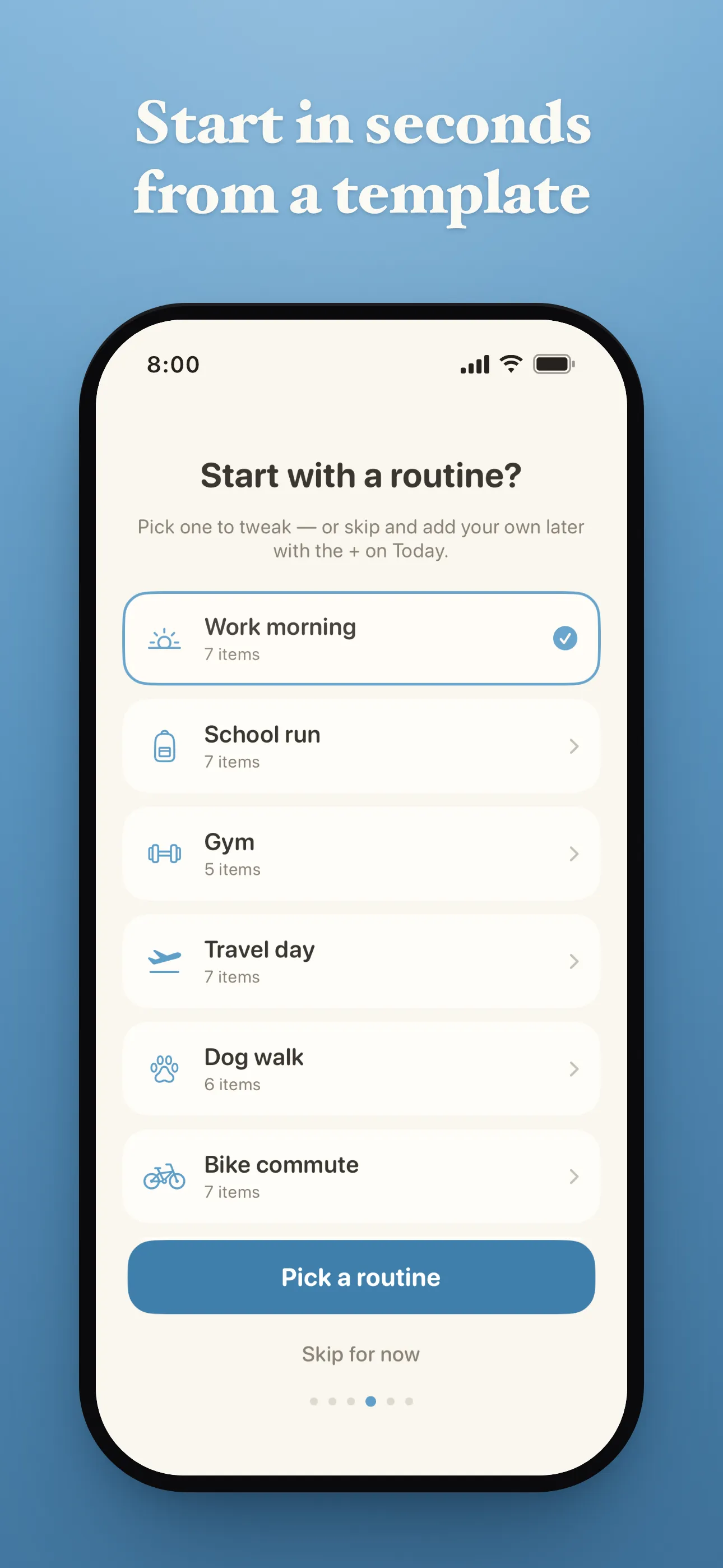
The same six screenshots as the App Store listing — real screens from the app, showing example routines.
What it does
Never wonder what you forgot.
Last Lap gives you one final walkthrough before you leave. Build routines for work, the gym, travel, school, or anything else — and know you’ve taken everything you intended to.
It knows today’s routine
Not every day looks the same.
Your Tuesday routine can include a gym bag and library book. Wednesday might only need your laptop and lunch. Create routines once, assign them to the days you want, and Last Lap keeps the right checklist ready.
Designed for the last thirty seconds
This isn’t another productivity app.
It’s built for that moment when your shoes are on, your keys are in your hand, and you’re heading for the door. Large tap targets, no typing, no unnecessary screens — just a quick sweep before you leave.
One reminder. That’s it.
Choose if — and when — you’d like a reminder before it’s time to go.
Last Lap sends a single notification and then gets out of your way. No nagging. No countdowns. No notification fatigue.
Leave when you’re ready
Sometimes you’ll remember everything.
Sometimes you won’t.
If you decide it’s time to leave, Last Lap simply shows what’s still unchecked and lets you continue. No guilt. No streaks. No pressure.
Right on your Lock Screen
Your checklist stays visible through Live Activities and Dynamic Island on supported iPhones.
Check off items as you grab them without opening the app. The less you need to think about Last Lap, the better it’s doing its job.
No account required
No sign-up.
No email.
No ads.
No unnecessary setup.
Install it, create your first routine, and you’re ready.
What it costs
Free to use, with as many routines and items as you want.
Privacy
No account. No email address. No advertising. No tracking.
Last Lap collects anonymous usage and crash data to improve the app. It is never linked to you, and your routines live on your phone.